


Hearst-Argyle launched a new interactive weather radar for all of its web properties. WPBF being an H-A owned station got it too.
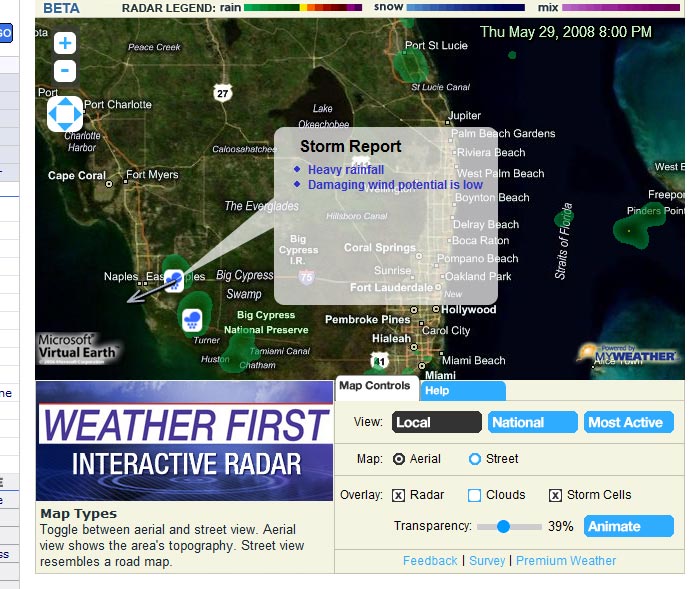
Weather First Interactive Radar is basically a Microsoft Virtual Earth map with radar data overlaid on top of it.
Visitors have the option to set the map at aerial or street level, show cloud cover, storm cells or turn radar loop on and off. There’s also an option to point the map location locally, nationally or to the most active weather spot anywhere in the country.
The whole app is done by MyWeather.net which it looks to be the online extention of WeatherCentral, a company that provides the on-air graphics for many TV stations. I believe WPLG and WSVN use the WeatherCentral.
It’s pretty well done, very lightweight. It doesn’t make my Firefox browser choke and lag when the maps load and I turn the radar loop on like some of the other similar maps.







The Weather Channel’s had this sort of thing for a while now.
http://www.weather.com/weather/map/interactive/
This is on NBC6.net
It’s provided by a third party, they just bought the product. Looks cool, though, except the radar is from a national composite, not a local source. That means it’s about 10 minutes delayed.
Woah this blog is wonderful i love studying your articles. Stay up the good work! You recognize, a lot of persons are looking around for this info, you could help them greatly.